Match the exact camera to the exact phone and app version. A matching connector or an old successful review does not establish current compatibility.
Follow the complete connection path
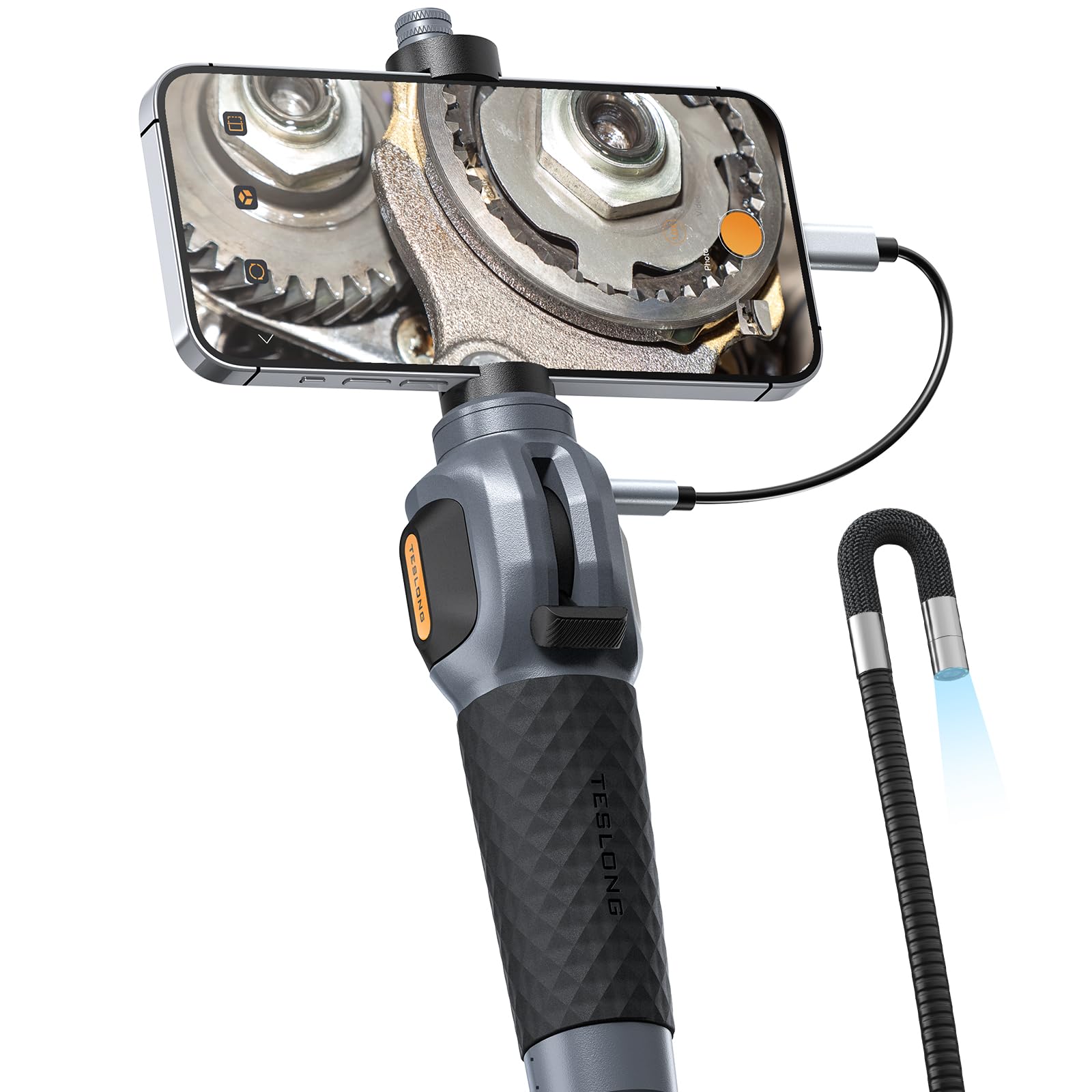
A cable that physically plugs into your phone may still require particular USB support, a compatible app or a connection method the phone does not provide. Check the camera maker's current support information for the exact handset and operating-system version. For Android, confirm any stated USB host or OTG requirement; do not infer iPhone support from USB-C alone.
A WiFi camera commonly uses its own wireless connection to deliver the image to an app. Confirm that the app is currently available in your region, that the connection process is documented, and that the phone can save the required files. WiFi and direct USB cameras should be assessed separately.
Older app tests have a date attached
The Gadgeteer's WiFi borescope article records the setup of a reviewed device in 2020. It supports the author's experience at that time, not a promise about every current Android or iPhone. Digital Camera World's guide contains older iPhone compatibility discussion that predates USB-C iPhones.
The Drive's Depstech wireless review describes occasional app startup trouble and a connection interruption when resolution was changed. Those failures are useful questions to put to a seller: can this exact combination reconnect reliably, and do mode changes preserve the live feed? They are not a failure rate for all wireless cameras.
Check the job from connection to export
Before an inaccessible inspection, make a short recording in a simple location and open the saved file outside the camera app. Confirm the capture orientation, resolution and where the file is stored. If you need to send images to a repairer, test that handover before relying on the camera in a difficult space.
Keep the handset model, operating-system version, camera model, app name and app version with the result. If a connection problem appears after an update, those details let you distinguish a changed software environment from a faulty probe.
- Connect from a cold start.
- Switch between any available lenses.
- Capture a still and a short video.
- Disconnect, reconnect and recover the live view.
- Export the files and open them in another viewer.
When a separate screen is the practical choice
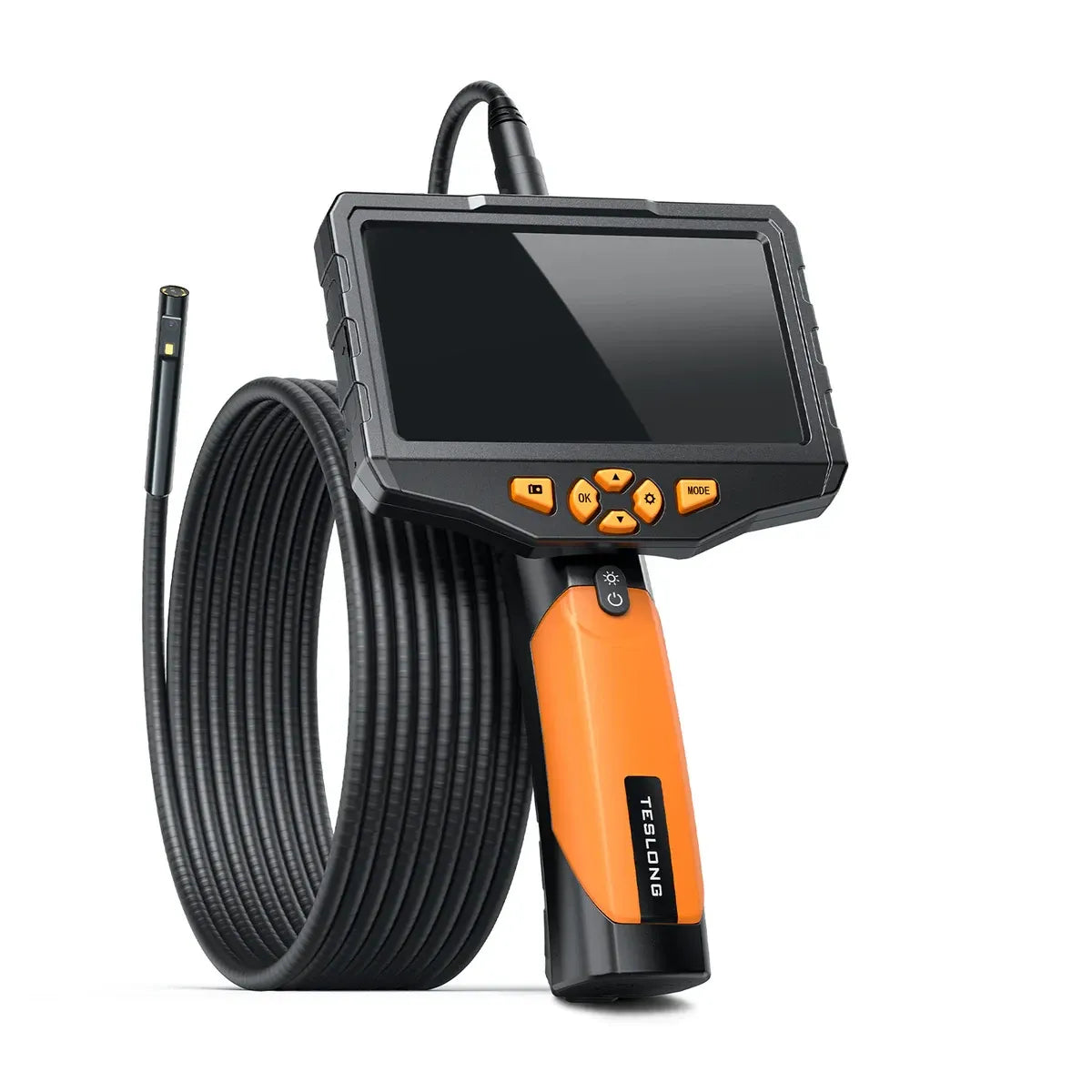
A standalone screen removes the phone connection from the inspection workflow. It still needs its own checks: battery life for the task, readable controls, storage-card support and successful file export. Digital Camera World's Bosch review reports trouble with a microSD card that contained other files, illustrating why storage deserves a practical check too.
Avoid choosing purely by the screen photograph. The Gadgeteer's DS550 review says the displayed image looked better than the saved photographs. If you need a record rather than only a live look, inspect the recorded output before purchase.
Sources & further reading
These are external published reviews or specialist guidance. Their observations are attributed; they are not our own physical tests. Source availability and hardware may change.